
Built by a coach who codes
ProgramGrid is the tool I wished existed for the five years I spent writing client programmes in Google Sheets. So I built it.
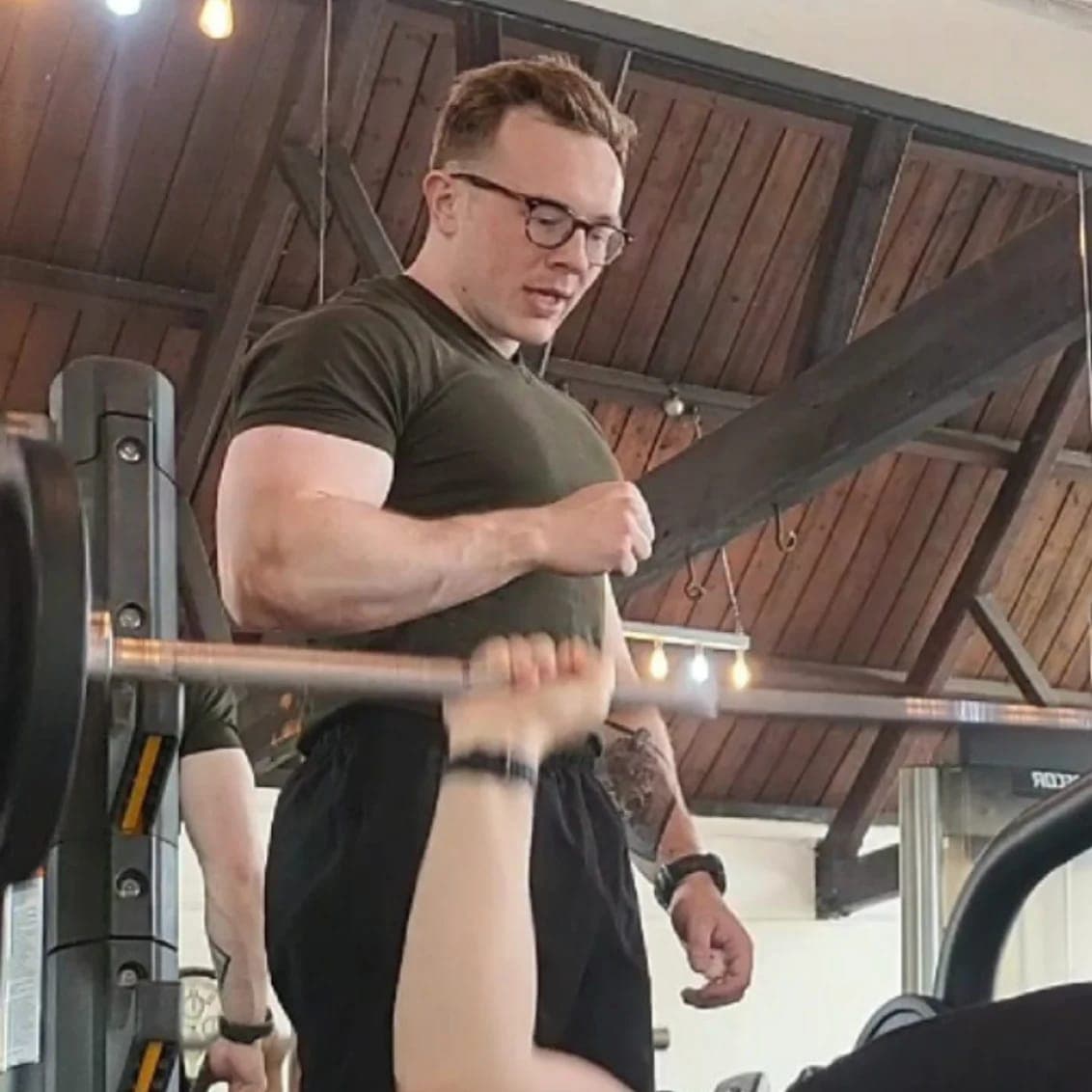
Two halves of the same job
I’m a personal trainer and a software engineer. I started coaching out of a commercial gym, got into powerlifting, and somewhere in there got obsessed with the question of how to programme strength training rigorously.
That meant spreadsheets. Like every PT who actually cared about block-structured periodisation, I lived in Google Sheets. One tab per client, columns for weeks, rows for exercises, formulas for e1RM and target weight. Whenever a client asked “what am I doing tomorrow?” the answer was a screenshot.
The spreadsheet trap
Sheets get a lot right. They’re flexible, they’re dense, they survive any client’s edge case because you can just add a row. Most coaching apps bury that flexibility behind opinionated UI and end up worse than a sheet for the actual coach.
But sheets are missing everything that makes the data useful:
- Clients can’t really use a spreadsheet. You end up sending messy share links and hoping nobody breaks a formula.
- You can’t pull a real e1RM trend from a tab. You can plot one, but only if you remember to.
- Diet lives in a different app. So does body weight. So do injuries.
- There’s no audit trail. No deload markers. No real notion of a block.
- Every coach builds the same machine in their own sheet, badly.
What ProgramGrid is
ProgramGrid takes the grid metaphor literally. Programmes area grid: weeks across, days down, exercises within, sets and reps and RPE in the cells. That much you’d recognise from any sheet.
The difference is that the grid is real, structured data. Block summary calculates volume per muscle group automatically. Block review compares planned to actual when the cycle ends. Clients log on their phones and the numbers flow back into the same view the coach is staring at. Diet sits next to training, on the same screen as the dashboard, with a calorie target that adapts to the client’s real-world weight trend. Injuries get tracked, triggers get scored, rehab exercises hit progress bars.
All of it lives in one app. No more switching between four tabs and a WhatsApp thread to get a complete picture of one client’s week.
Block structure as a design principle
Block periodisation isn’t a marketing aesthetic. It’s how serious strength training is structured: phased intensity, planned overload, mandatory deloads. ProgramGrid is built around it from the ground up.
Programmes live inside blocks. Deloads are first-class citizens, not an afterthought. The compare and review tools surface what shifted block to block, not just rep to rep. The dashboard reads trends across the cycle, not just the last session. If you programme this way already, the tool gets out of your way. If you don’t yet, the structure makes the right way obvious.
What ProgramGrid isn’t
The honest list of what I refuse to build:
- An AI workout generator.AI doesn’t know your client. You do. The tool should make your judgement easier to express, not replace it.
- Per-client surcharges.Coaches shouldn’t be billed for showing up to work. Studio includes 50 clients on the roster, full stop.
- Social features.No leaderboards, no follow feeds, no sharing your PRs with strangers. Lifting isn’t a feed.
- A walled garden.CSV export is built in. You’re not locked in if I disappoint you.
Where your data lives
ProgramGrid is built in Next.js with a Postgres backend on Supabase (EU region). The marketing site you’re reading sets no cookies and runs no analytics. The application uses strictly necessary auth cookies and nothing else. Privacy policy here.
What’s next
The roadmap I’m working on, in rough order: weekly check-in templates that the coach configures and the client answers, deeper block-comparison filters (compare just one muscle group, just deload weeks, etc.), iCal export of training sessions, optional Apple Health body-weight sync, and an onboarding flow that imports a coach’s existing Google Sheet without making them retype it.
Get in touch
If you’re a PT thinking about switching, a self-coached lifter who wants a tool that actually fits, or you just want to argue about block periodisation, email hello@programgrid.app or DM @programgrid on Instagram. I read everything.